Why the TR192 Board in Mindray H60 Systems Burns Through So Easily

In Mindray H60 ultrasound systems, the TR192 board is one of the assemblies technicians often suspect when the unit shows transmit-side instability, abnormal channel behavior, or sudden loss of image quality after a power event. In real repair work, this board is sometimes described as “easy to burn through” not because it is weak by design in every case, but because it sits in a position where power stress, thermal load, aging components, and upstream/downstream faults can combine and damage it quickly.
Recommended replacement option: Samsung Medison
What the TR192 board does in the H60
The TR192 board is tied to the transmit/receive signal chain. In practical terms, it helps manage high-voltage pulse handling and channel-side signal routing associated with probe excitation and echo reception. Once this section is compromised, the H60 may still boot normally while image performance degrades, certain probes behave abnormally, or protective failures appear after probe connection and scan loading.
Why burn-through happens
One common reason is power-rail abnormality. If a supply line rises out of tolerance, carries ripple, or is hit by a surge during startup or shutdown, semiconductor devices and protection components on the board can fail in a cascading way. Another cause is probe-side or connector-side stress. A marginal transducer, liquid contamination, carbonization around connectors, or repeated hot-plug behavior can push abnormal load back into the board. Thermal fatigue also matters. H60 systems that run in dusty rooms, high ambient temperatures, or poor airflow conditions can slowly weaken solder joints, driver devices, and high-stress passive parts until a visible burn mark or short finally appears.
Service history is another clue. Some TR192 failures are secondary rather than primary. If the machine previously had PSU instability, fan failure, intermittent shorts, or prior board-level rework, the board may be carrying hidden damage long before the final breakdown is obvious.
Typical fault symptoms
When the TR192 board is damaged, the machine may show weak or missing image data, unstable brightness, probe recognition anomalies, channel defects, or failures that appear only under live scanning load. In some cases the unit powers on, menus work, and the issue is only exposed when a probe begins transmitting. In more severe cases, protection trips, local overheating, or a burnt smell near the related board area may already be present.
What to inspect first
Start with the basics before blaming the board alone. Check power rails, connector condition, signs of overheating, contamination, and whether the fault follows a specific probe. Inspect for shorted protection devices, visibly damaged driver components, darkened PCB areas, and abnormal resistance on suspect lines. If available, compare with a known-good board and verify whether the upstream power environment is stable before installing a replacement. Otherwise, the replacement board may fail again for the same reason.
Repair decision notes
For shops handling H60 repairs, the practical point is not just whether the TR192 board can be repaired, but whether the root cause has been isolated. Replacing or reworking the board without clearing probe faults, connector carbonization, cooling issues, or unstable supplies can turn one burned board into two. A careful fault introduction like this is useful because it frames the TR192 board as part of a larger system failure path, not an isolated victim.
Conclusion
The TR192 board in a Mindray H60 can appear “easy to burn through” when recurring stress from power, thermal conditions, probes, or prior hidden faults keeps converging on the same part of the system. A disciplined diagnosis process reduces repeat damage and improves the odds that board repair or replacement actually solves the case.
Related Articles
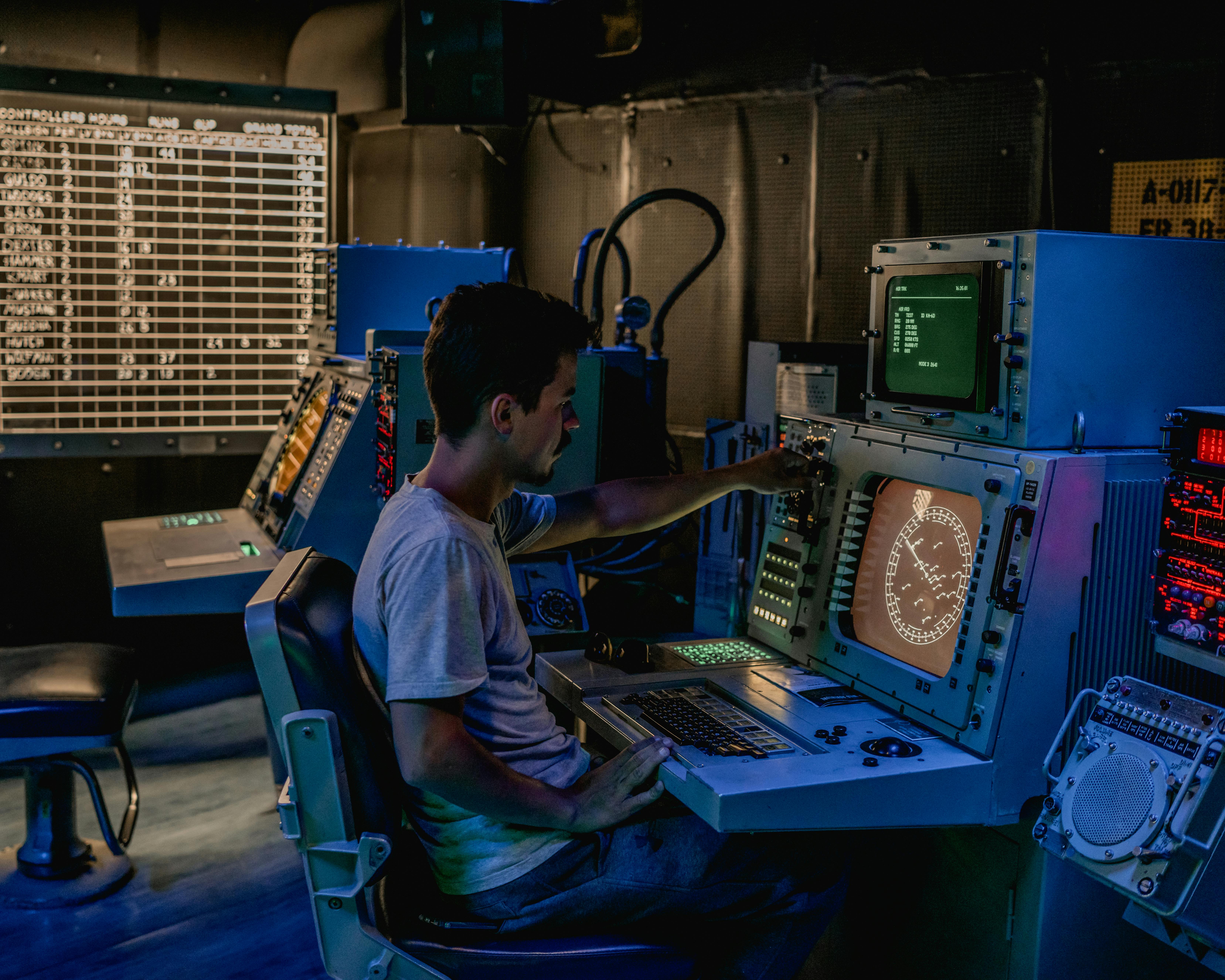
Why Video Splitters and Isolators Matter in GE CT, MRI, and Industrial Monitoring Systems
Video splitters and isolators do far more than duplicate a display feed. In medical imaging and industrial monitoring systems, they protect equipment, preserve image integrity, and prevent dangerous ground-loop problems.
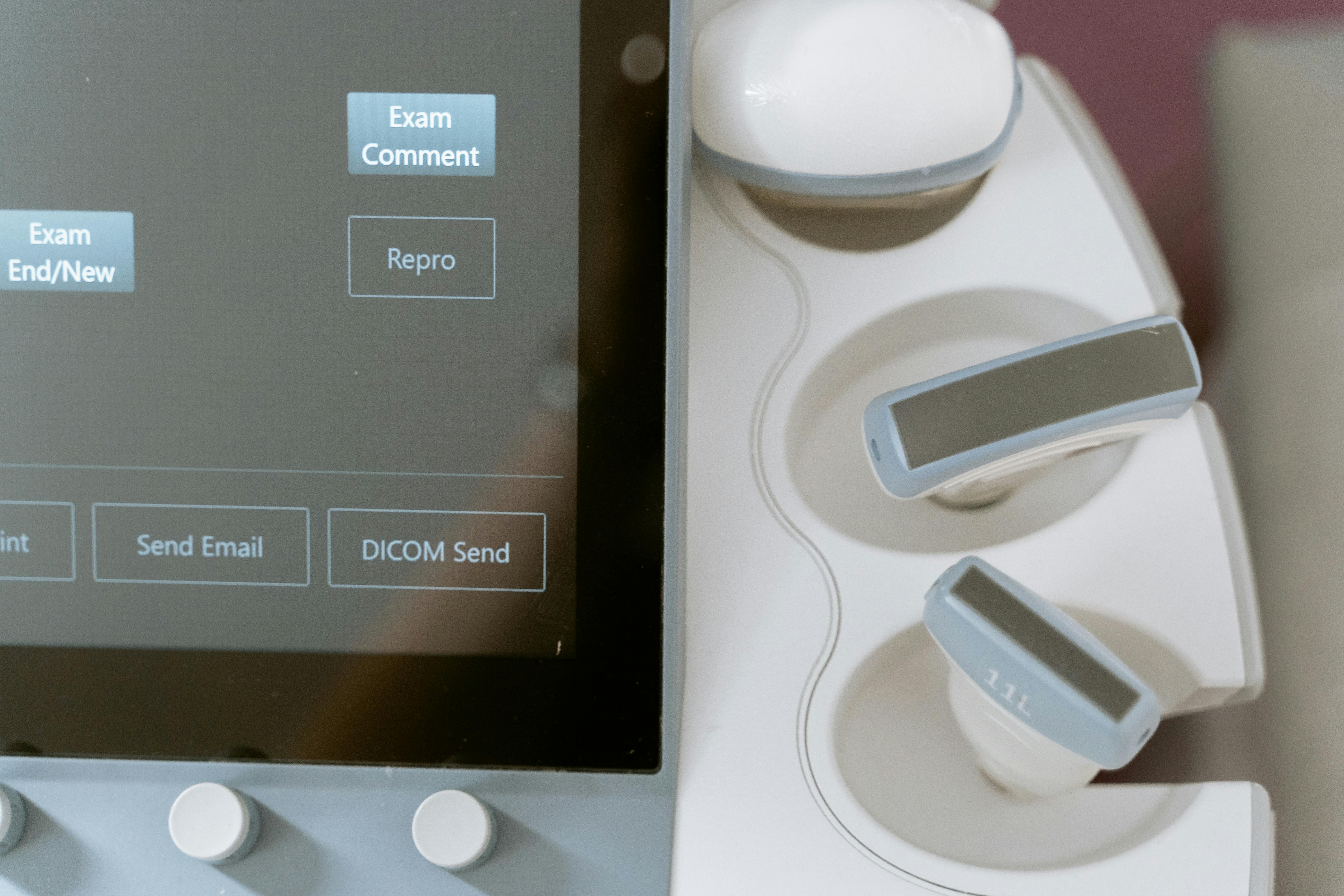
The Mystery of the Missing Signal: A Practical Guide to Diagnosing Channel Failures in Industrial Equipment
When a single channel fails in an automation system, the right isolation method can save hours of blind troubleshooting. This guide walks through practical channel-fault diagnosis from signal injection to loopback testing.
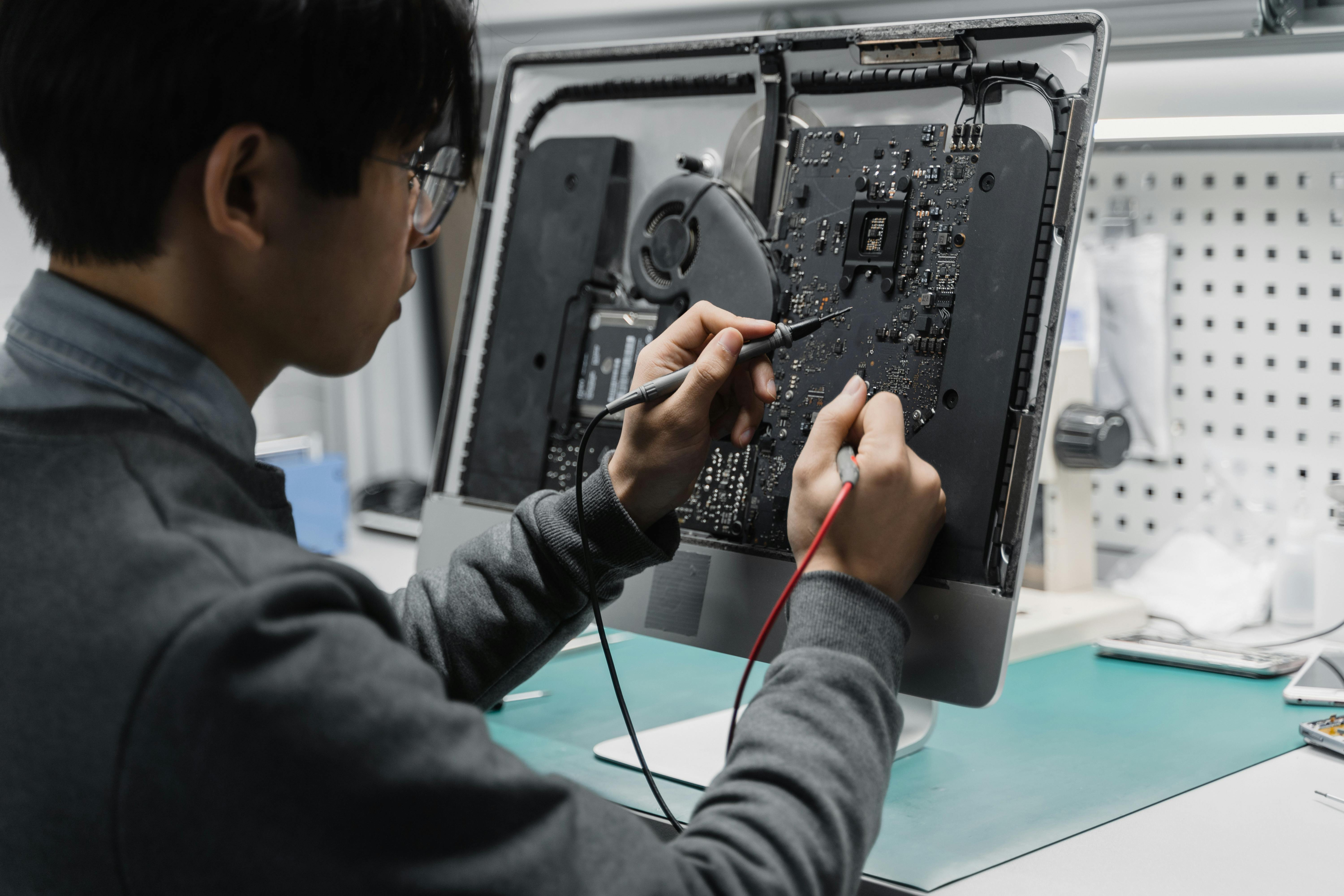
Equipment Down? Use This Universal Repair Checklist Before You Pay for Service
Before you call an expensive service line, run this four-step troubleshooting checklist to catch obvious faults, isolate root causes, and reduce preventable downtime.