Why Early Control Response Drift Often Reveals a Deeper Console Failure Path in GE Ultrasound Systems
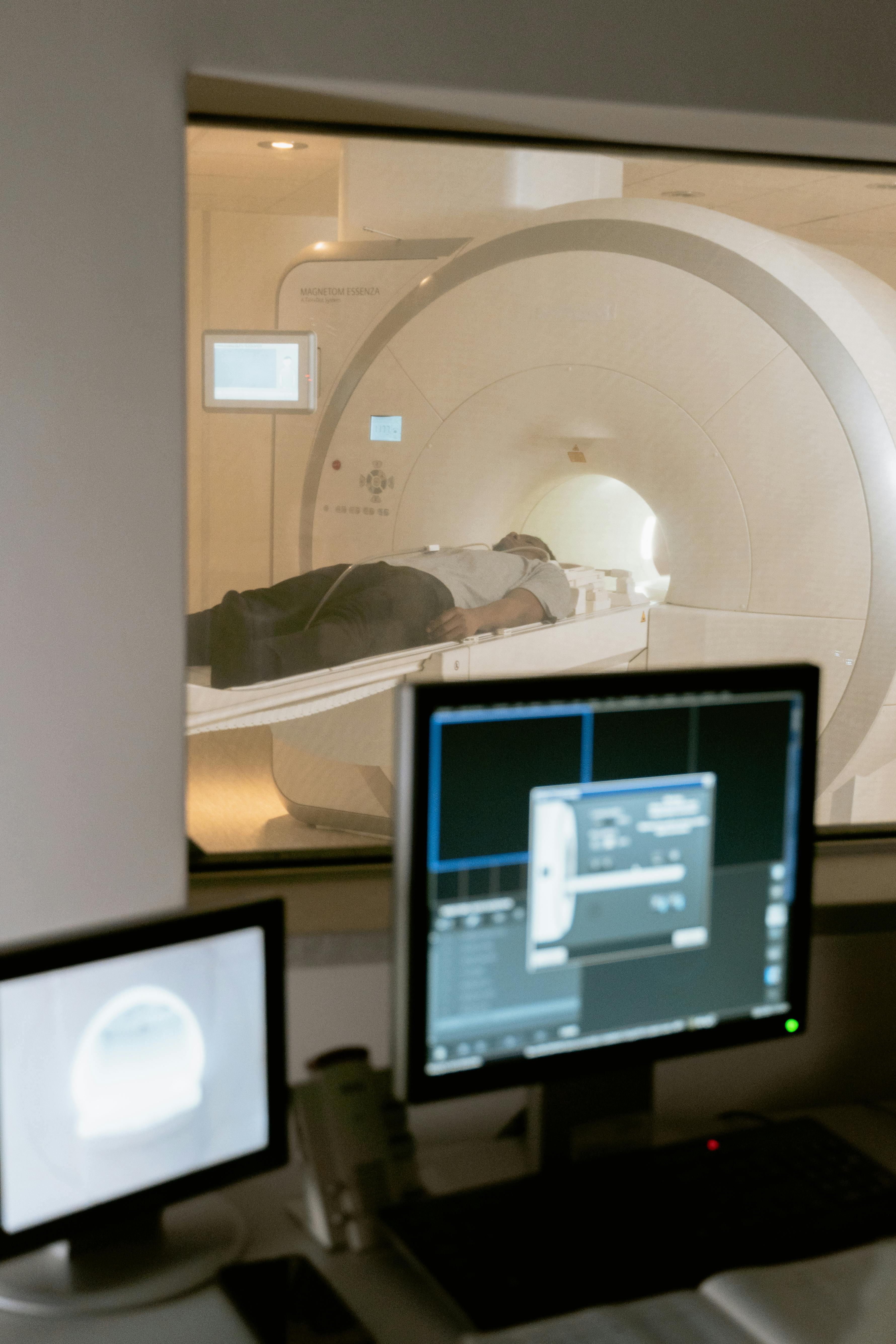
Why Early Control Response Drift Often Reveals a Deeper Console Failure Path in GE Ultrasound Systems
Control problems on a GE ultrasound console do not always begin with a dramatic hard fault. In many cases, the first warning sign is something much less obvious: the system still boots, the screen still loads, scanning may still be possible, but the operator starts noticing response drift. A key press may not register the first time, a menu selection may hesitate, a rotary control may feel inconsistent, or multiple actions across the same work area may begin to feel less trustworthy than before. Those early changes matter because they often reveal a deeper failure path long before a console becomes completely unusable.
A common mistake is to treat these symptoms as normal aging or minor wear. Teams may assume the issue is just a tired button, a worn membrane, or operator sensitivity to an older machine. But once response inconsistency begins spreading across more than one control or once menu navigation and command execution both become unstable, the problem often deserves broader attention. What looks like a surface-level human-interface issue may actually be the visible edge of a deeper problem involving the control panel signal path, related board communication, power stability, connector degradation, or intermittent board-level weakness.
Recommended replacement option: Esaote 9500517 Keyboard Board
What the early drift usually looks like in daily use
Early console response drift rarely appears as a clean binary failure. It usually shows up as friction. A sonographer or engineer may report that the system “still works, but feels strange.” That phrase is important because many real hardware problems begin as consistency loss, not total failure.
In practice, early drift may look like this:
- one key needs repeated presses before the command is accepted
- a nearby cluster of controls starts feeling unreliable rather than a single isolated key
- menu navigation becomes slower or less predictable during repeated use
- a trackball or rotary knob behaves differently after warm-up
- the system responds correctly during startup, then becomes less consistent during a busy session
- one operator notices the issue first, but others later confirm the same pattern
These observations matter because they suggest the fault may be broader than one damaged button cap or one cosmetic control defect. If the issue spreads by zone, worsens with runtime, or touches more than one input behavior, it becomes useful to think in layers. The question is no longer only “which control is worn out?” but also “what path sits behind these controls, and what part of that path is deteriorating under use?”
Why engineers often misread this symptom at first
Engineers and service teams usually inherit a machine after the first visible complaints have already been simplified by users. By the time the issue reaches maintenance discussion, it may be described in a way that is too narrow: “button problem,” “panel issue,” “one key not working,” or “sometimes sluggish.” These descriptions are understandable, but they can hide the more useful diagnostic pattern.
There are several reasons this gets misread.
First, the machine usually still works well enough to avoid immediate panic. A console that still boots, still scans, and still allows some navigation does not create the same urgency as a no-power or no-image event. That lowers diagnostic discipline. Teams may tolerate the issue longer and keep using the system until the fault becomes more obvious.
Second, operator-interface symptoms naturally pull attention toward the most visible layer. A technician looking at unreliable control response will often inspect the specific key or touchpoint first, which is reasonable. But if the symptom is already distributed, repeating that same narrow assumption can delay the real diagnosis.
Third, intermittent symptoms often encourage wishful interpretation. If a control works again after restart, or if the issue seems lighter in a short test, people may conclude the problem has passed. In reality, intermittent recovery often means the conditions that expose the failure have only been temporarily reset.
Fourth, panel and board-path faults can overlap. A physically worn key, a weak connector, a marginal board trace, unstable local power delivery, and deteriorating input processing can all create similar early behavior. Without careful narrowing, teams may replace the most visible part first and still not solve the root cause.
Why spread across a control zone changes the diagnosis
One of the most useful shifts in thinking happens when the symptom is no longer tied to one obvious control. If one isolated key is worn, the problem can often stay local. But when a group of neighboring controls begins behaving inconsistently, or when different input types in the same working area all begin showing hesitation, the probability of a deeper path problem rises.
This does not automatically prove a controller board failure, but it does change the diagnostic posture. A distributed symptom suggests the issue may involve:
- a shared signal path behind the panel
- a controller or interface board that processes multiple inputs
- degraded cable or connector continuity between panel and board
- unstable local power conditions affecting the control chain
- thermal sensitivity that worsens as runtime increases
- contamination, oxidation, or mechanical stress affecting more than one input path
The practical significance is simple: once multiple controls begin drifting together, replacing one key or blaming normal wear becomes less satisfying as an explanation. A broader symptom footprint almost always justifies a broader inspection strategy.
What to inspect first before assuming a total board failure
Broad thinking should not mean random part replacement. Good diagnosis still starts with observation and narrowing. Before treating the issue as a full board replacement case, engineers should confirm several things.
Start with distribution. Is the issue limited to one control, one zone, or multiple unrelated controls? A truly isolated fault supports a local wear theory more than a shared-path theory. But if the symptom extends across neighboring controls or across functionally related actions, the shared-path hypothesis becomes stronger.
Next, check repeatability. Does the problem worsen after repeated use? Does warm-up change behavior? Does a restart temporarily clear the drift? Runtime sensitivity can point away from simple cosmetic wear and toward marginal electronics, local thermal stress, or unstable communication between panel and processing hardware.
Then compare command classes. Is the problem limited to tactile input, or does menu navigation also feel affected? If both direct control actions and general UI navigation are unreliable, the issue may not be confined to one physical input component.
Also inspect physical integrity. Panel mounting stress, connector looseness, cable fatigue, contamination, oxidation, and evidence of prior repair all matter. A board-path symptom may still be caused or aggravated by a mechanical interface problem upstream.
Finally, check whether the reported symptom pattern matches what the user actually experiences under workload. Short bench tests can miss use-dependent drift. If possible, observe behavior during repeated real-world action sequences, not just isolated single presses.
Why delay increases repair cost and operational risk
Early response drift may feel tolerable, but tolerable is not the same as low risk. A console that increasingly misreads operator intent can create both service cost and workflow risk. The longer teams wait, the more likely the fault will:
- spread from intermittent inconsistency to repeatable failure
- create new false clues that complicate diagnosis
- trigger avoidable downtime during a busy schedule
- cause users to adopt workarounds that hide the original pattern
- increase the chance of replacing the wrong visible component first
From an engineering perspective, the best time to investigate is often before the console becomes fully unreliable. The early stage still preserves useful symptom structure. Once the machine deteriorates further, multiple secondary effects may stack on top of the original weakness and make root-cause isolation harder.
A practical engineering takeaway
When a GE ultrasound system shows early control response drift, the most useful question is not only whether one button is aging. The better question is whether the visible interface friction is revealing a deeper failure path inside the panel-to-board chain. Once inconsistency spreads beyond one obvious control, once warm-up changes behavior, or once repeated actions expose growing hesitation, teams should stop treating the issue as cosmetic and begin narrowing it like a real system-level console fault.
The goal is not to overreact to every sluggish key. The goal is to distinguish isolated wear from distributed instability before the machine forces that lesson through hard downtime. Early attention saves time, reduces wasted replacement decisions, and improves the chances of catching the true fault while the symptom pattern is still readable.
Related Articles
Why Console Navigation That Gets Worse With Use Often Exposes Panel-Control Weakness Earlier Than A Hard Failure
If navigation gets less crisp as the session goes on, the panel-control path may already be weakening while the machine is still broadly usable.
لماذا يشير انحراف مجموعة مفاتيح لوحة المفاتيح عادةً إلى مسار الإدخال المشترك، وليس إلى خمسة مفاتيح تالفة
عندما تصبح نفس مجموعة مفاتيح لوحة المفاتيح غير متسقة معًا، فإن المشتبه به الأرجح عادةً هو مسار وحدة التحكم المشترك بدلاً من عدة أعطال غير مترابطة في الأزرار.