Why Control-Panel Input Drift Often Starts as a Workflow Problem Before It Looks Like a Hardware Failure
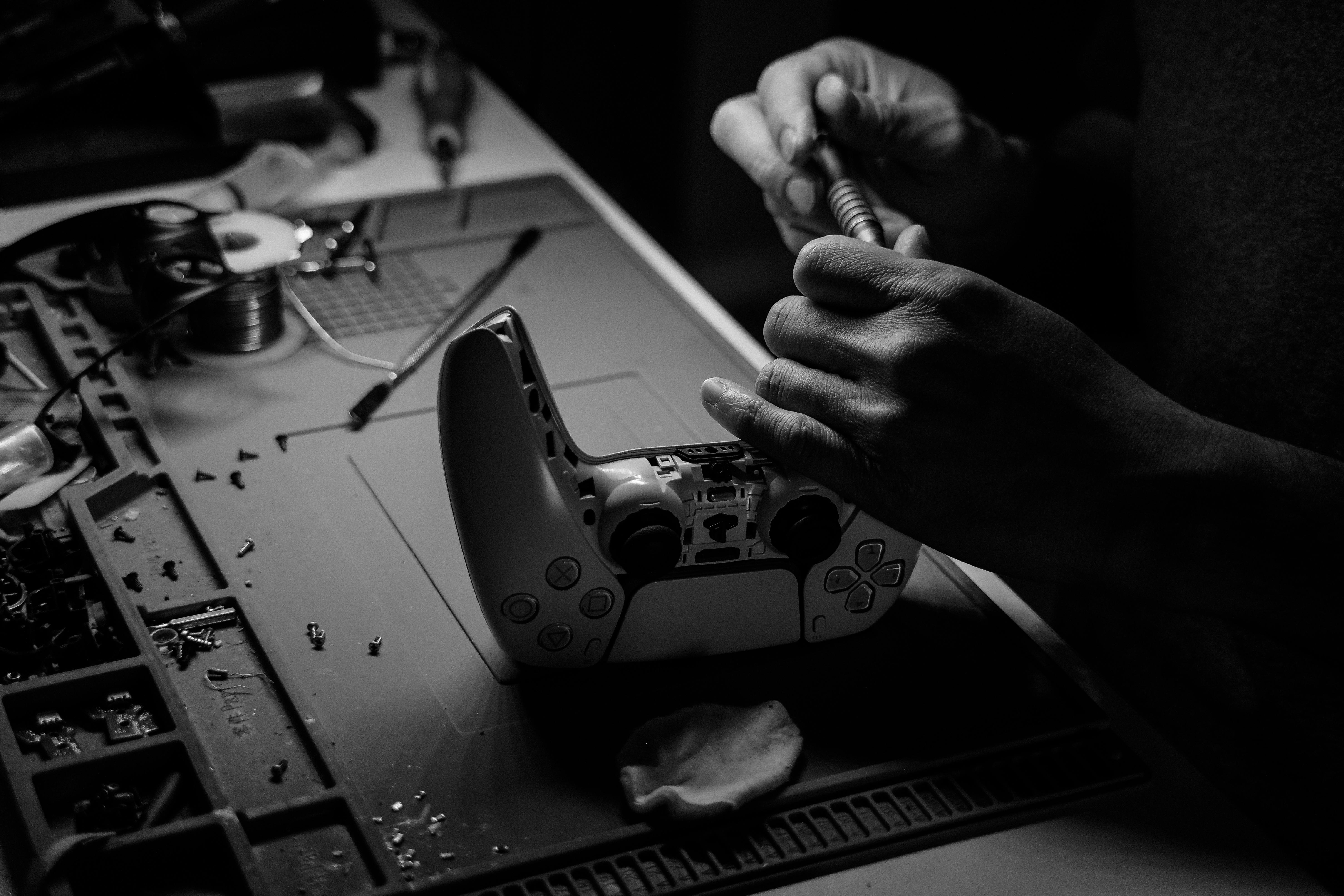
Why Control-Panel Input Drift Often Starts as a Workflow Problem Before It Looks Like a Hardware Failure
Control-panel instability rarely announces itself in a dramatic way at the beginning. In many ultrasound platforms, the first signal is not total loss of response. It is a slower, less trustworthy operator experience: repeated knob turns feel inconsistent, menu navigation stops feeling clean, and confidence drops before the system produces a fully obvious hardware fault.
That matters because teams often wait too long to treat the symptom as a real technical warning. If the machine still boots, still displays, and still allows partial interaction, it is easy to frame the problem as “minor console weirdness.” In practice, that weak framing often delays the right repair decision.
Recommended replacement option: Hitachi L 3
What the early pattern usually looks like
A machine with panel-side instability often passes quick surface checks. Startup may be normal. The display may look healthy. A few button presses may work. But once someone begins using the system the way real operators do—changing parameters repeatedly, moving through menus, making routine adjustments—the interaction starts feeling less stable than it should.
Typical early signs include:
- repeated key or knob input that does not produce a consistent response
- one control action registering while the next seems delayed or ignored
- panel behavior that feels worse during longer sessions than at first power-up
- localized uncertainty around a specific operator area rather than total console collapse
This is exactly why the problem gets underrated. The machine still appears “mostly alive,” so attention drifts toward user error, random software lag, or isolated button wear.
Why engineers lose time on the wrong theory
Once input instability becomes visible, the first instinct is often to blame the visible touchpoint: the knob being turned, the button being pressed, the UI screen that lagged. But operator input stability depends on more than the visible switch itself. The panel path has to keep signal handling, board response, and interface behavior synchronized under repeated use.
When that path starts drifting, the symptom can look annoyingly random even though the real weakness is becoming structurally consistent.
That is the trap. Teams begin proving broad console theories while the panel-side support path is already the most probable fault domain.
What to inspect before the symptom spreads
A better diagnostic approach is to ask whether the problem is tied to real operator workflow rather than idle observation.
Useful checks include:
- Does the instability appear faster when settings are adjusted repeatedly?
- Does it become more visible once the system has warmed up?
- Do nearby controls show related hesitation or inconsistency?
- Does the machine appear stable until the operator starts moving through real-use routines?
If the answer to those questions is yes, then the panel path deserves early priority. That is usually a cheaper and more direct path than waiting for a larger console-side failure to form.
Why earlier action is financially smarter
Panel instability is one of those faults that creates invisible cost before it creates obvious downtime. The machine may still be technically usable, but it slows workflow, undermines trust, and pushes teams into longer diagnostic loops. By the time the symptom becomes undeniably “hard,” the repair window is often narrower and the surrounding troubleshooting cost has already risen.
Addressing the weaker path earlier usually saves more money than continuing to treat the issue as a nuisance.
Practical takeaway
If a system feels stable during idle observation but starts losing consistency under repeated operator interaction, do not wait for a bigger failure narrative to make the problem feel legitimate. That input drift is already telling you something useful.
In many cases, it is not noise. It is the earliest readable form of the real failure path.
Recommended replacement path
Related Articles

Why Key-Matrix Instability Often Reveals the Real Console Failure Path Earlier Than Expected
Key-matrix instability rarely stays confined to one key for long. Here is why uneven console input often points to a deeper control-path weakness.
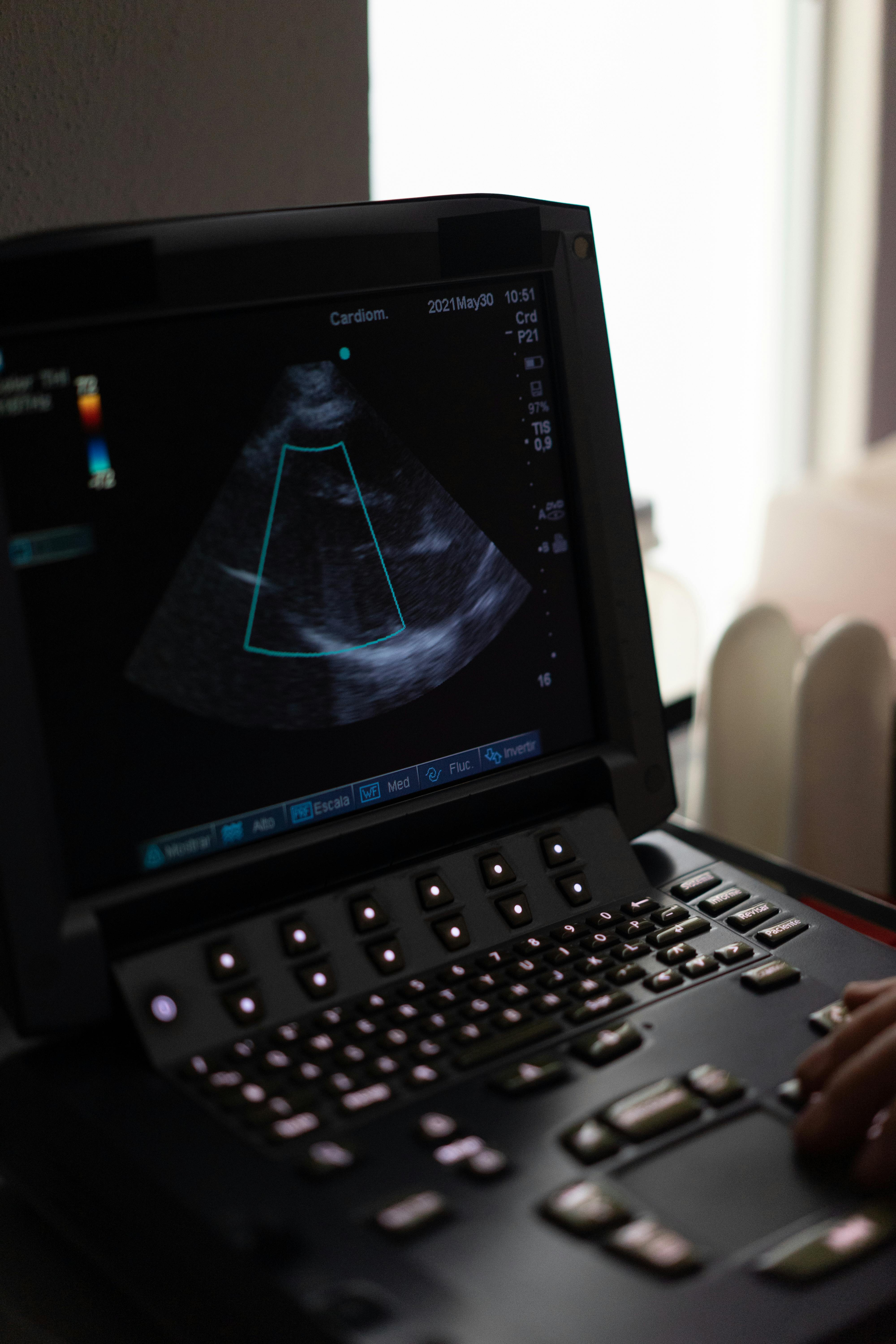
하부 조작 패널이 불안하게 느껴지기 시작한다면, 문제는 이미 더 깊이 진행되고 있을 가능성이 높습니다
하부 조작 패널이 이유 없이 불안정해지는 경우는 거의 없습니다. 반복 조작을 신뢰할 수 없다는 느낌이 들기 시작하면, 이미 근본적인 고장 경로가 형성되고 있는 경우가 많습니다.